Street Wheelie Brasil Online Performance Settings for Weak Phones
Keep wheelie timing readable with stable FPS, cooler thermals, and cleaner online sessions.
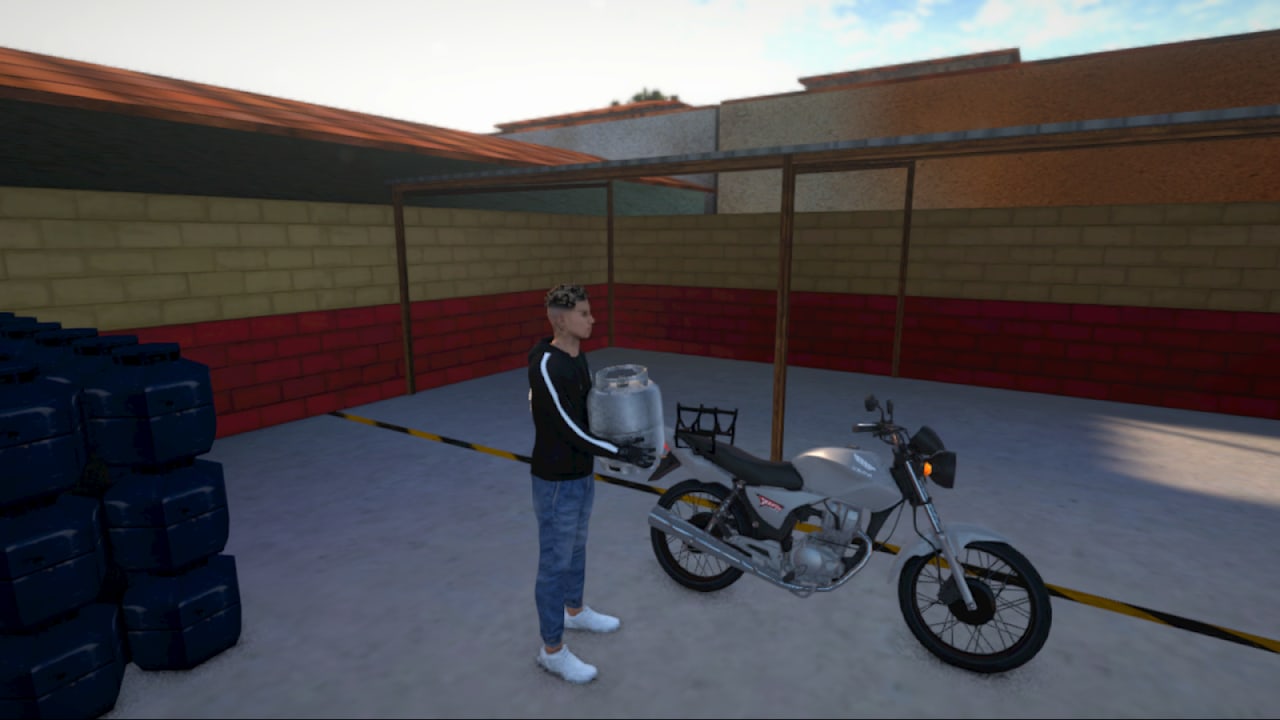
Villa Games Group markets Street Wheelie Brasil Online with everyday Brazilian Androids in mind—not only flagship phones. That promise only holds if you configure the client honestly. This guide explains how to pick graphics presets, manage heat and battery, and keep network conditions good enough for online rides without turning your device into a pocket heater.
Use it together with the Tools hub checklist, Controls for sensitivity, and Download & Install for a clean Play Store baseline. Fancy shadows never rescue a mistimed clutch; stable frame time does.
What “good performance” means here
For wheelie games, success is not a benchmark screenshot. You want:
- Predictable frame pacing (smooth 30 FPS beats spiky 50→20 swings)
- Readable throttle and clutch response during lifts taught in How to Wheelie
- Enough brightness and UI clarity to see traffic and job markers from Jobs and Money
- Temperatures you can hold for a 20–40 minute session
- Online stability so friends in Players lobbies do not rubber-band through your bike
If you must choose, prioritize frame stability over maximum resolution every time.
Baseline setup before touching sliders
- Install or update only from the official Play listing.
- Reboot the phone after large updates so old background tasks die.
- Free several hundred MB of storage; full disks cause texture stutter.
- Disable aggressive battery savers for the game session (or whitelist the app if your OEM allows).
- Remove thick gaming cases temporarily if the phone already runs hot—airflow matters more than RGB fans you do not have.
- Play while charging only if the charger + game combo stays cool; some cheap chargers raise thermals.
Then open in-game settings and start from a Medium or Low preset before climbing upward.
Graphics levers that usually matter most
Exact label names can change between early-access builds, but the cost centers are familiar:
| Setting type | Weak-phone advice | Why |
|---|---|---|
| Overall preset | Low / Medium | Fastest way to a stable baseline |
| Resolution scale | 0.7–0.9 if available | Cuts GPU load hard with minor clarity loss |
| Shadows | Off / Low | Expensive and rarely help clutch timing |
| Anti-aliasing | Off on budget GPUs | Soft edges beat frame drops mid-grau |
| Draw distance / crowd density | Medium or lower in busy online areas | Online cities spike CPU |
| Reflections / post-process | Off | Pretty, costly, low gameplay value |
| Particles / exhaust VFX | Low if FPS dips during ronco flexes | Style is audio-first in this community |
| Target frame rate | Lock 30 if unlocked mode stutters | Consistency > peak FPS |
After each change, ride the same two-block test loop: accelerate, clutch lift, correct once, brake. If the correction feels late, you are still too heavy.
Thermal and battery habits
Brazilian street sessions can last. Heat is the silent nerf:
- Watch the first 10 minutes — many phones look fine cold, then throttle.
- Avoid direct sun on the chassis while playing outdoors; shade the device even if you are filming a clip for Instagram.
- Lower brightness a notch; screens are major power draws.
- Stop when the device is uncomfortable to hold — continuing only deepens throttle lag.
- Take a five-minute cooldown between long online convoys.
- Charge strategically — top up between sessions instead of trickle-charging through a sweaty hour if temperatures climb.
If your OEM has a “performance mode,” try it only after graphics are already lean. Performance modes that raise clocks without cutting GPU work can cook mid-rangers faster.
CPU, RAM, and background noise
Wheelie corrections are timing puzzles. Background WhatsApp video calls, Chrome with fifteen tabs, or a downloading APK will steal frames at the worst moment.
- Force-stop heavy apps before launch.
- Pause cloud backups and large Play downloads.
- Keep only Discord lite use if you need LFG voice—full screen sharing is costly.
- On low-RAM devices, avoid switching to the camera app mid-session “just for one story.”
A clean foreground focus often recovers more smoothness than bumping one graphics slider.
Audio, roncos, and performance
Exhaust personality is part of the fantasy—see Updates and the Tier List for why roncos matter. Audio itself is lighter than 3D shadows, but stacked enhancements can still hurt:
- Keep media volume high enough to hear shifts without enabling equalizer apps that add latency.
- Disable third-party “bass booster” overlays while playing.
- If the game offers advanced audio quality toggles, prefer the default on weak phones.
You want to hear the pipe; you do not need a separate DSP suite eating CPU.
Network tips for online multiplayer
Online mode fails differently from graphics failure: you feel delayed collisions and ghost riders.
- Prefer stable Wi‑Fi with clear signal over congested public hotspots.
- On mobile data, stop moving between cell towers during precision wheelie contests.
- Close VPN experiments unless you must use one; added latency ruins clutch rhythm.
- If ping spikes, switch to solo practice drills instead of griefing a lobby with rubber-band hits.
- After a big patch, expect a first-launch asset download—finish it on Wi‑Fi before joining friends.
For etiquette when your connection is imperfect, read Players and leave instead of repeatedly slamming into others.
Sensitivity and FPS coupling
From Controls:
- High steering sensitivity + unstable FPS = overcorrections.
- When locked near 30 FPS, slightly softer steering often feels more accurate.
- Change one system at a time: graphics first, then sensitivity, then camera distance.
- Retest after physics patches listed on Updates.
The Tiger Sport 660 can feel “twitchy” on a hitching phone and “planted” on a stable one—do not sell your garage setup until performance is honest.
Job grinding vs clip making
Create two mental profiles:
Grind profile — Low/Medium graphics, locked frames, cool thermals, stable network. Use for Jobs and Money loops and long practice from Getting Started.
Clip profile — Higher resolution briefly for a clean Instagram or TikTok take, then revert. Do not leave cinematic settings on for an hour of deliveries.
Customization flex still works on Medium settings—see Customize Motorcycle for upgrade priorities that are not pure particle spam.
Troubleshooting quick tree
Stutter every few seconds — Storage nearly full, download in progress, or thermal throttle. Free space, finish updates, lower preset.
Fine in solo, bad online — Network or crowd density. Lower online-related quality options, switch networks, reduce session size.
Input delay feeling — FPS spikes or accessibility services / macros running. Disable overlays, lock frames, retest clutch timing.
Crash on launch after update — Clear cache from Android app info (not necessarily full data), reinstall from Play if needed, confirm with Download & Install.
Game looks muddy — Resolution scale too low. Raise slightly only after shadows are already off.
Myths to ignore
- “Performance apps” that claim one-tap FPS boosts usually add junk overlays.
- Modified APKs with “ultra FPS unlock” are security risks and can ban or brick progress—stick to official builds and ignore fake Codes bundles that ship malware.
- Leaving the phone in a fridge is a condensation hazard, not a pro tip.
- Max settings do not make you better at grau; practice does.
Session plan example (budget Android)
- Pre-ride checklist on Tools.
- Preset Medium, shadows off, frame lock 30.
- Ten minutes empty-street clutch work (How to Wheelie).
- Two job routes (Jobs and Money).
- Optional short online meet-up (Players).
- If temperature climbs, drop to Low and finish with garage browsing instead of forcing more wheelies.
When to revisit this guide
Return after:
- Any major client update (Updates)
- A new phone, screen protector, or case
- Unlocking heavier bikes from the Tier List
- Moving from solo practice into busy online cities
Street Wheelie Brasil Online already aims at weaker hardware. Meet the game halfway with honest presets, cool thermals, and clean networks—and your wheelie timing will finally match what your thumbs intended.
Frequently Asked Questions
Quick answers about Street Wheelie Brasil Online.
What graphics preset should weak phones start on?
Start on Low or Medium with shadows reduced or off, then raise resolution only after a stable two-block wheelie test.
Is 30 FPS enough for wheelies?
Yes. A locked, stable 30 FPS is usually better for clutch timing than an unlocked mode that spikes and dips.
Why does my phone get slow after ten minutes?
Thermal throttling. Lower presets, reduce brightness, remove heat-trapping cases, and take short cooldowns between sessions.
Should I use a VPN for online play?
Only if you must. Extra latency makes corrections feel late. Prefer nearby Wi‑Fi or clean mobile data without a VPN.
Do performance booster apps help?
Most add overlays and ads. Closing background apps and lowering in-game settings helps more than third-party boosters.
Can bad performance fake a physics problem?
Absolutely. Hitching frames feel like broken clutch timing. Stabilize FPS before retuning sensitivity or blaming a bike.