Street Wheelie Brasil Online Tools & Checklists
Practical setup helpers for smooth wheelies on everyday Android phones.
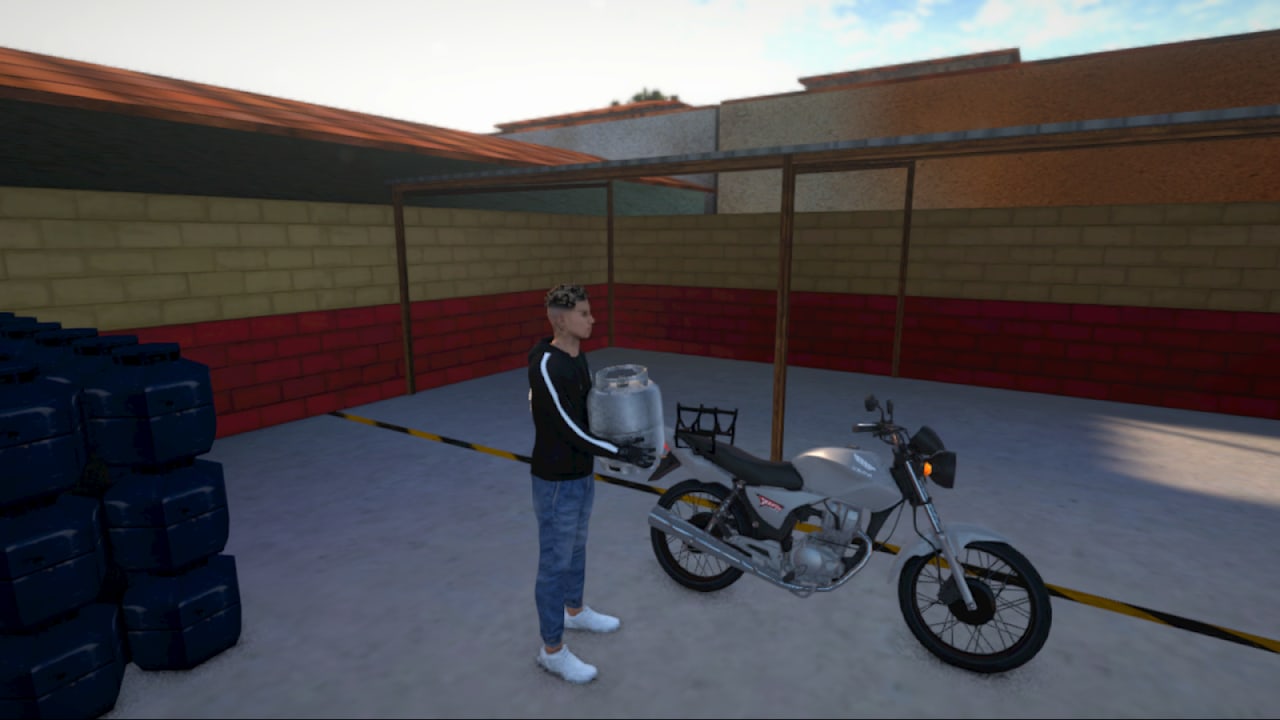
The Tools Hub gathers practical setup pages for Street Wheelie Brasil Online—starting with deep performance settings for the weak-phone audience Villa Games Group openly targets, plus quick checklists you can run before a night of grau lines or online jobs.
This is not a cheat menu and not a shady APK mirror. Everything here assumes the official Google Play build linked from Official Links and Download & Install.
Featured tool pages
Performance Settings
Full guide to graphics presets, thermal and battery habits, network tips for online play, and how to keep clutch timing readable when FPS dips. Read this first if your device runs warm, hitchy, or below a stable 30 FPS.
Pre-ride settings checklist
Run this five-minute list before serious practice or a Discord convoy (Players):
- Update the client from Google Play so physics and audio match current Updates.
- Free storage — leave headroom for caches; stalled downloads cause hitching mid-wheelie.
- Charge above 40% or plug in; low-power modes often cap frames.
- Close heavy background apps (browser tabs with video, social feeds, download managers).
- Set a sensible graphics preset using Performance Settings—favor stable frame time over maximum shadows.
- Confirm controls — revisit Controls if you changed phone cases, screen protectors, or play orientation.
- Sound check — roncos matter; verify media volume without enabling battery savers that throttle CPU when the screen dims.
- Network — prefer stable Wi‑Fi for online; if on mobile data, avoid congested subway or elevator dead zones.
- Goal for the session — pick one drill from How to Wheelie or one money loop from Jobs and Money so you are not aimless in traffic.
- Know the exit — if the phone hits critical heat, stop, lower settings, and cool down instead of forcing a melted session.
Sensitivity notes (quick reference)
Detailed mapping lives on Controls, but these tool-minded reminders save crashed runs:
- Smaller steers, longer holds — high camera or steering sensitivity feels flashy until a mid-wheelie correction yanks you sideways.
- Match sensitivity to FPS — if you play unlocked high frames on a strong phone, you can run slightly snappier steering than someone locked near 30 FPS on a budget Android.
- Recalibrate after case changes — thicker cases alter thumb angles; retest clutch blips in an empty street.
- One change at a time — tweak either graphics or sensitivity, not both, or you will not know what fixed the wobble.
- Separate “clip” and “grind” profiles mentally — cinematic settings for Instagram shots, lean settings for hour-long job farms.
When a patch reshapes physics (see Updates), expect to retune. The Tiger Sport 660 and future street bikes on the Tier List will not feel identical under the same slider values.
Garage and economy tools (lightweight)
You do not need a third-party calculator to play well, but a simple notepad habit helps:
- Track unlock prices and upgrade ROI while reading Customize Motorcycle.
- Note which jobs pay reliably after each economy patch (Jobs and Money).
- Ignore “unlimited money tool” APKs advertised beside fake Codes lists—those are malware funnels.
Online readiness mini-checklist
Before you join friends:
- Stable FPS checklist above completed
- Mic / chat etiquette refreshed on Players
- Bike chosen with the Tier List in mind (practice bike vs flex bike)
- Discord invite ready if you need a backup LFG channel
How this hub will grow
Future tool pages may cover:
- Visual accessibility / UI scale notes if the game adds them
- Controller or Bluetooth experiment logs (only after community verification)
- Session planners for crew nights
We will never host executable “injectors,” speed hacks, or account generators. If a site claims it is a Street Wheelie Brasil Online “tool” that edits saves remotely, close it and reinstall from Play if you already risked it.
Start with Performance Settings, keep the pre-ride list nearby, and return to Getting Started whenever a major patch resets your muscle memory.
Frequently Asked Questions
Quick answers about Street Wheelie Brasil Online.
What is the most important tools page right now?
Performance Settings—Street Wheelie Brasil Online markets weak-phone optimization, and that guide shows how to keep wheelie timing readable on everyday Androids.
Are these tools cheats or mods?
No. This hub only covers legitimate settings checklists and performance advice for the official Play Store build.
Should I max graphics for better wheelies?
Not if frames hitch. Stable frame time beats prettier shadows when you are balancing a grau line.
Do I need to change sensitivity after every update?
Only after physics or camera patches. Check Updates, then retest clutch blips before long online sessions.
Where do I learn the actual control layout?
Use the Controls guide for mapping detail, then return here for pre-ride and performance checklists.